Remove the R: Drive
- Press Windows Key + R simultaneously
- The Run dialog box will appear
- In the Run dialog box, copy and paste the following command:
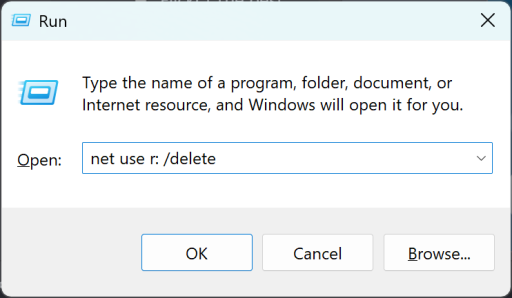
net use r: /delete- Press Enter
Map the R: Drive
- Please establish a VPN connection and then follow these steps:
- Press Windows Key + R simultaneously
- The Run dialog box will appear
- In the Run dialog box, copy and paste the following command:
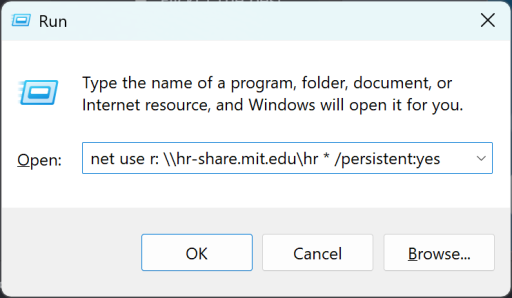
net use r: \\hr-share.mit.edu\hr * /persistent:yes- Press Enter
- A black Command Prompt window will appear prompting you to "Type the password for \hr-share.mit.edu\hr:"
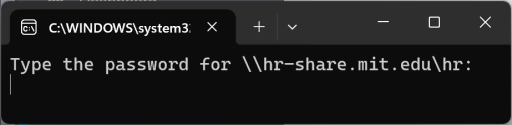
- Enter your Kerberos password (no characters will appear as you enter your password).
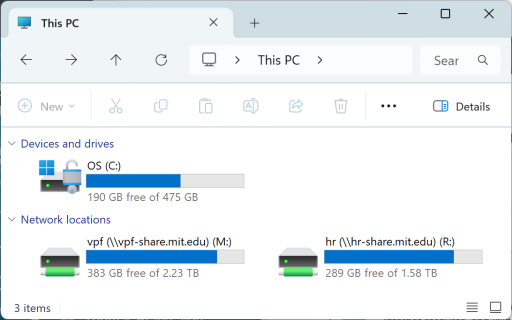
- Press Enter.
- The R: Drive should now be mapped successfully.
