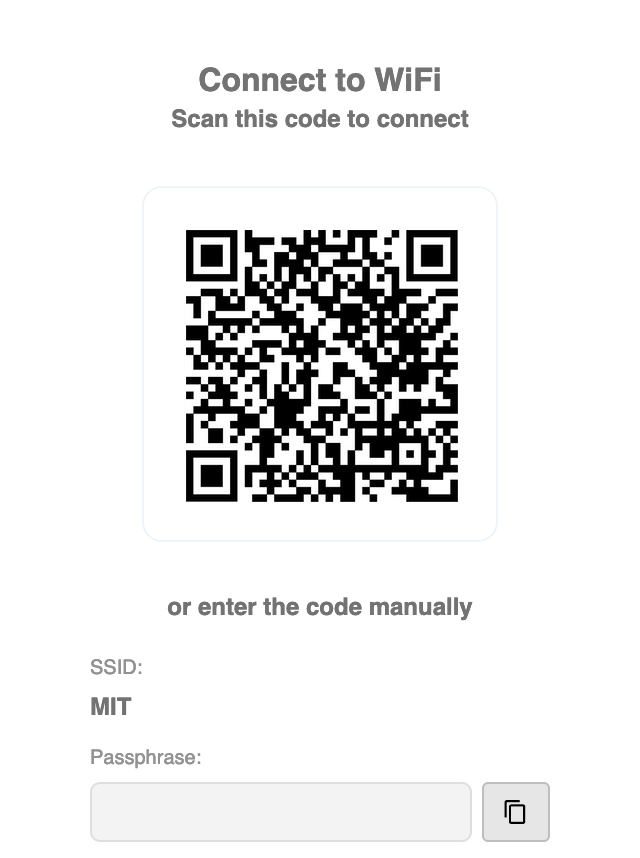
Join MIT Wi-Fi
MIT has two secure Wi-Fi networks, "MIT" and "MIT Secure".
- The "MIT Secure" network uses your Kerberos username and password for authentication.
- The "MIT" network is secure but uses a personalized pre-shared key (PSK) that does not expire for up to five years.
- You should never join the "MIT Guest" network.
- Visit wifi.mit.edu
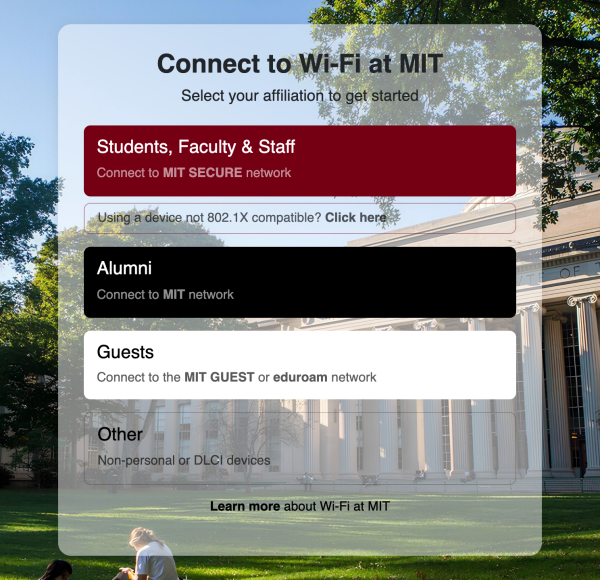
- Click on "Using a device not 802.1X compatible? Click here"
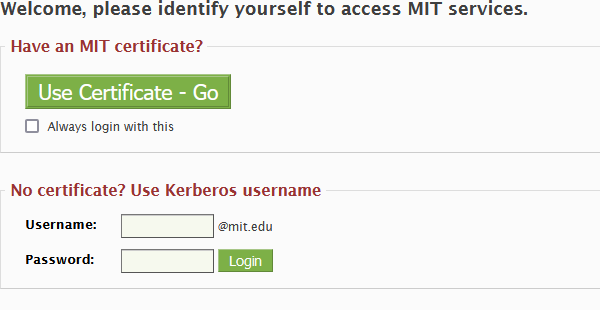
- Enter your Kerberos credentials
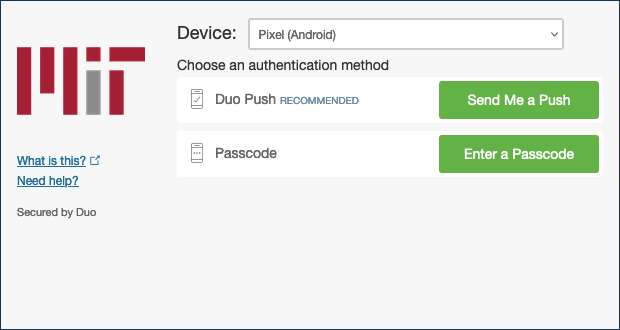
- Complete your DUO two-factor authentication
- While on campus manually enter the code provided to join the MIT Wi-Fi network.
- (Or scan the QR code with your cell phone or tablet.)